Online Banking
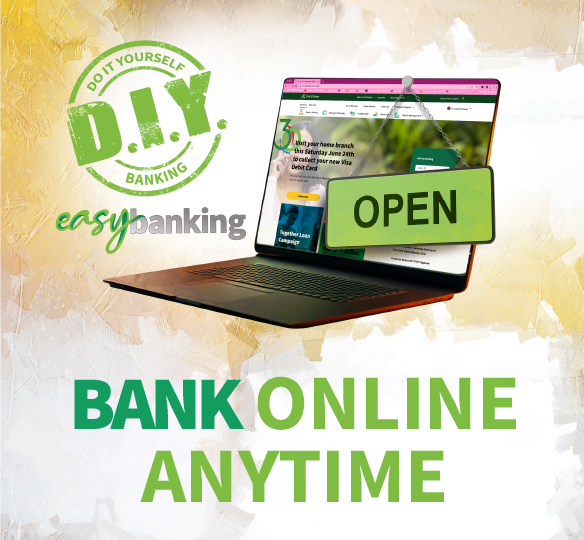
First Citizens Online Banking lets you ‘Do It Yourself’!
Bank anytime, anywhere.
How to get started for Online Banking
Customers who already have a valid deposit, investment, loan or credit card account with us, may use the following options available to register for Online Banking. Please note, a Customer Service Representative will contact you to complete your registration. You can contact us to request registration via:
- Registration Form
- Send an email direct to channelsupport@firstcitizenstt.com
- Send a WhatsApp
- Call 62-FIRST (4778)
New customers to First Citizens bank are required to open an account before registering for Online Banking. You will be required to:
- Open a new account
- Choose the account you wish to open
- Complete all the required information
- Set your Online Access information
- Submit your application
Your request will be processed and you will be contacted by an Online Banking representative to visit the Branch most convenient to you, to complete the registration process. You will be automatically registered for our Online Banking service.
Features of Online Banking

View your accounts
View your First Citizens account(s), inclusive of Credit Card(s) and Loan balances as well as your transaction history anytime.

Pay your Credit Card and make Payments
Make payments to your First Citizens Credit Card(s) and over 30 institutions, including other Banks, Financial Institutions, Utility Companies and more….

Transfer funds to friends and family
Transfer funds quickly between your First Citizens accounts and other local banks!

View, download and print your monthly eStatement
Easily view, download and print monthly statement(s) for your deposit account(s).