Mastercard Prepaid FAQs
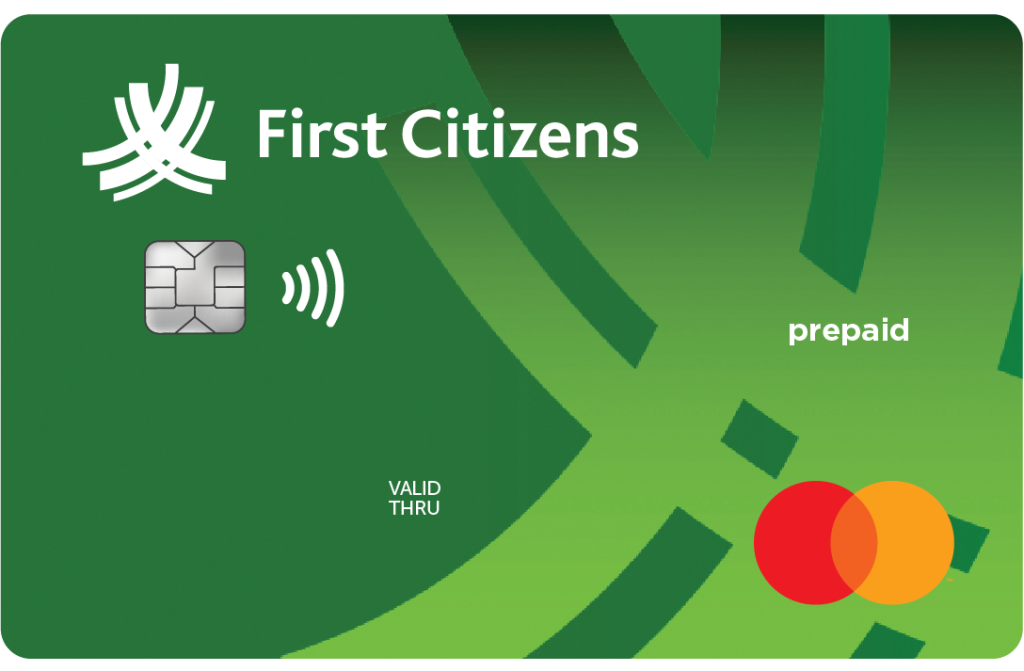
Frequently Asked Questions
Application Processing
Q1: How do I qualify for a Mastercard Prepaid?
To qualify, you must:
- Have an active First Citizens Savings or Chequing account for more than one (1) year
Q2: How do I apply for a Mastercard Prepaid?
You required to visit any conveniently located First Citizens Branch to apply for your Mastercard Prepaid Card.
Q3: What documents must I present with my application?
You are required to present the following documents when applying for a Prepaid Mastercard:
- One (1) valid form of National Identification – e.g. Passport (mandatory for non-nationals), National ID, Driver’s Permit (to be used with another form of ID or with birth certificate)
- Proof of address e.g. utility bill no older than three (3) months – Where the utility bill is not in your name, a letter of authorisation and a copy of the identification card of the person whose name the bill is in will be required
- Proof of income/source of deposit – e.g. job letter or payslip no more than one (1) month old
- Completed Interactive Electronic Service Agreement Form
Q4: How long does it take to process a Mastercard Prepaid Application?
The application process on the same day of receipt.
Q5: How will I receive my Mastercard Prepaid?
Your Mastercard Prepaid is issued immediately by the Retail branch staff once the application is approved.
Activation
Q1: How do I activate my First Citizens Mastercard Prepaid?
Once received, the Mastercard Prepaid can be activated by contacting the Electronic Banking CSR team at 431-4577.
Card Usage
Q1: Can I use my Mastercard Prepaid to pay bills or make purchases online?
Yes, similar to a credit card, your Mastercard Prepaid can be used to pay bills and make online purchases
Q2: Can I use my Mastercard Prepaid at an ATM?
Your Mastercard Prepaid can be used to deposit at any local First Citizens Bank (Barbados) Limited ATM and for withdrawals at any ATM locally and internationally
Q3: Will my Mastercard Prepaid get declined if I go over budget?
Yes, your transaction will be declined if you do not have sufficient funds to complete the transaction
Loading and Spending Limits
Q1: How can I load /reload my Mastercard Prepaid?
There are several options available to you. It is important that you ensure that the correct Prepaid Mastercard account number is entered for loading/reloading.
- First Citizens Online Banking: Add your Mastercard Prepaid account as a Payee via the Add Payee option, then proceed to transfer via the Payments tab. For guidance with Online Banking Payments. click here.
- First Citizens ATMs
Q2: When can I access funds loaded onto my First Citizens Mastercard Prepaid?
Funds loaded onto the First Citizens Mastercard Prepaid will be available as detailed below:
- Monday to Thursday: Loads/reloads made by 3pm will be processed on the same night. Load/reloads made after 3pm will be processed on the night of the next working day. Funds will be accessible thereafter.
- Friday: Loads/reloads made by 4.15pm will be processed on the same night. Load/reloads made after 4.15pm will be processed on the night of the next working day. Funds will be accessible thereafter.
- Weekends and Public Holidays: Loads/reloads will be processed on the night of the next working day. Funds will be accessible thereafter.
- Other local banks cheques will be placed on hold in accordance with normal banking practices.
Q3: Can I transfer funds that I loaded onto my Mastercard Prepaid back to my First Citizens deposit account?
This request would have to me made via secure messaging and would be actioned by the electronic banking CSR team.
Q4: Is there a limit in terms of how much I can load/reload?
Funds can be loaded/reloaded to your Mastercard Prepaid up to a maximum of value of BBD 7,500.00 daily.
Q5: Is there a limit in terms of how much I can spend per day?
Yes, the conditions below apply:
- The maximum annual USD spend is USD 10,000.00, inclusive of all online purchases, memberships, subscriptions and overseas Point of Sale (POS) transactions
- The maximum amount of local spend is BBD20,000.00
- The maximum ATM cash withdrawals limit of BBD 3000.00
Q6: Does my available/unused USD spend rollover?
No. the allocated USD spend is available per calendar year and renews at the start of each year.
Q7: Is there a minimum balance that should be left on the card?
There is no minimum balance to be maintained on the card.
Q8: Will my Mastercard Prepaid be declined if I go over the card’s available spend or daily limit?
Yes, your transaction will be declined if you do not have sufficient funds to complete the transaction or if you attempt to exceed the card’s daily limit.
Q9: Can I use my Mastercard Prepaid to pay bills or make purchases online?
Yes, similar to a credit card, your Mastercard Prepaid can be used to pay bills and make online purchases.
Q10: Can I use my Mastercard Prepaid for cash withdrawals at an ATM?
Your Mastercard Prepaid can be used to deposit at any local First Citizens Bank (Barbados) Limited ATM and for withdrawals at any ATM locally and internationally
Lost, Stolen or Compromised Card
Q1. What do I do if my First Citizens Prepaid Mastercard is lost or stolen?
If your card is lost or stolen, you will be required to notify the bank immediately. Once this is completed, the bank will cancel the card and provide you with a replacement card, giving you access to your funds.
If you are in Barbados, immediately call 431-4577, this is a 24/7 helpdesk service.
If you are abroad, immediately report the incident to the MasterCard Global Service (MGS). The MGS service is available 24/7. When in the USA and Canada, contact the MasterCard Global Service by calling toll-free – 1-800-307-7309 and when in other countries call collect at 1-636-722-7111.
It is recommended that you store these numbers safely e.g. on your mobile phone for easy retrieval in the event your card is lost or stolen.
Any time you think that your Prepaid Mastercard may have been compromised, please immediately call 431-4577 to have your card blocked.
Q2. I do not recognize a purchase on my Prepaid Mastercard. What should I do?
If you notice an unauthorised transaction, immediately report this to the Bank to block your card and secure your account. You are then required to complete and submit the dispute form to us.
