Loading your Mastercard Prepaid
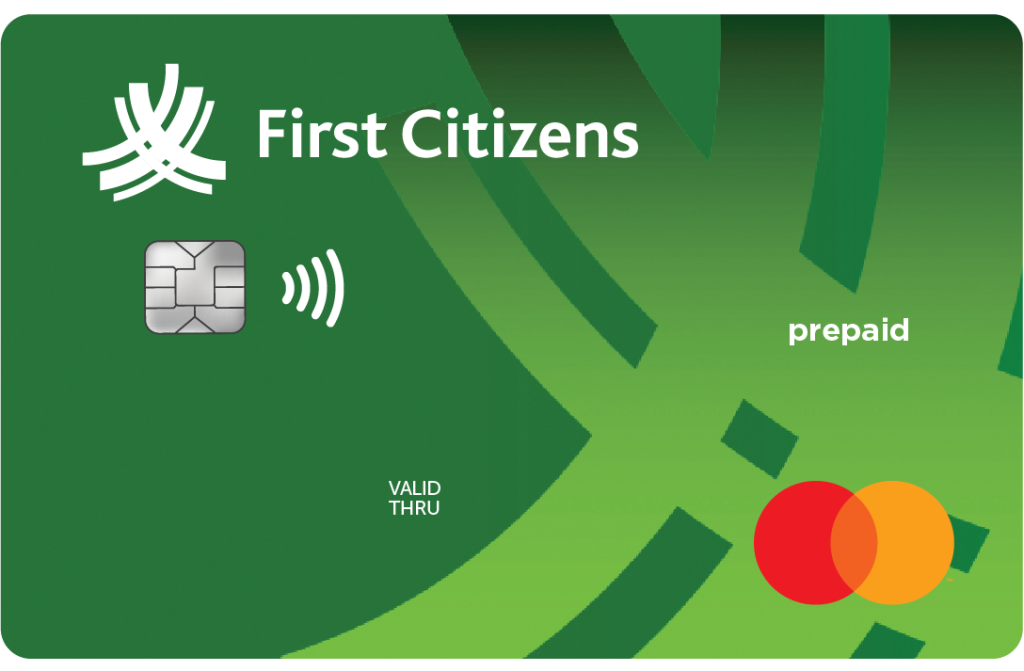
There are 3 options available to load your Prepaid Card
Online Banking
Your Mastercard Prepaid must be added as a “Payee to load funds. To do this, simply follow the steps below:
- Log into Online Banking
- Select the My Payments Tab followed by Manage Payees and select Add Payee
- Chose Standard Payee Information, scroll down and select ‘Prepaid Mastercard’.
- Enter the Card number in the area provided (Spaces and/or dashes are not required) and click submit
- Answer your security question displayed and once entered correctly, the success screen will be displayed confirming that your card was successfully added as a payee
- Upon completion you can now transfer funds to the card via the ‘My Payments’ tab
ATM Deposit
To load your Prepaid Card at the ATM simply follow the steps below:
- Insert your Prepaid Card into the ATM or tap your card over the contactless icon
- Input your card PIN
- Select the Deposit option, choose Cash or Cheque deposit and follow the steps below
| Cash | Cheque |
|---|---|
| Select the account type and choose “TT Dollar” | Select the account type |
| A message will then appear on the ATM screen to insert your notes | A message will appear on the ATM screen to insert the cheque(s). Please note, cheques must be signed and an account number indicated at the back of the cheque(s) before depositing |
| At the bottom left corner of the screen, insert the notes horizontally (a max of 90 notes are accepted per transaction) | Insert the cheque(s) lengthways on the top left corner of the ATM screen |
| Select “Do Transaction Deposit” to confirm the transaction or select the option to insert additional notes | Input the total value of the cheque(s) deposited and select “Ready” to process the transaction |
| Once the transaction is successfully completed, a receipt will be dispensed and Card returned | Once the transaction is successfully completed, a receipt will be dispensed and Card returned |
Fast Deposit
To load your Prepaid Card via the Fast Deposit Service simply follow the steps below:
- Complete all fields on the deposit envelope
- Place the deposits in the deposit envelope (cheques must be signed and an account number indicated at the back of each cheque before depositing)
- Tear off the customer’s record
- Insert the deposit envelope and your customer record in their respective areas of the Fast Deposit bin at the same time (the envelope and receipt will be stamped simultaneously)
